
Discover the ultimate collection of AI prompts designed to generate elegant high fashion studio portraits with stunning realism and artistic flair.
High fashion studio photography has always been defined by its dramatic lighting, luxurious textures, and sophisticated compositions. In 2026, the rise of advanced generative AI tools has made it possible for digital artists to recreate these opulent studio environments with just a few lines of text. By utilizing carefully engineered prompts, you can generate stunning portraits that look like they belong on the cover of a luxury fashion magazine.
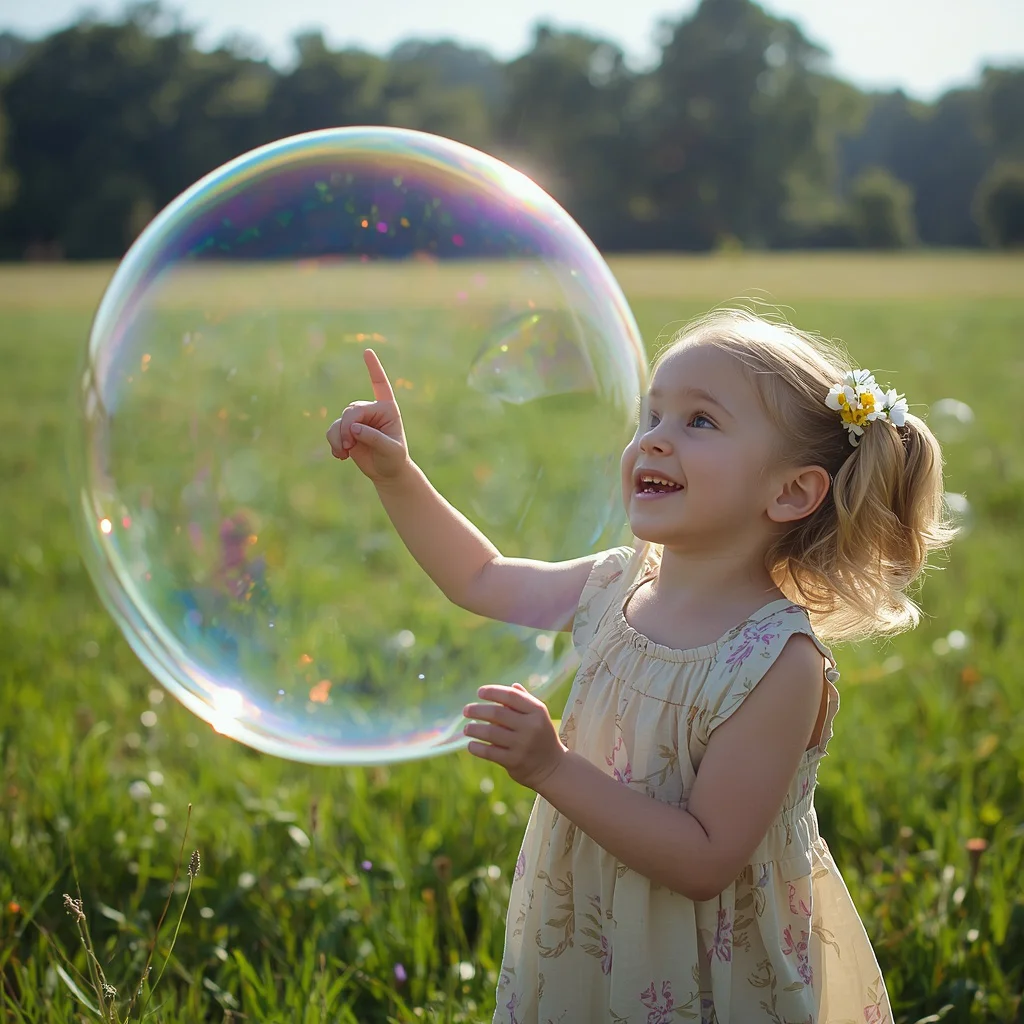
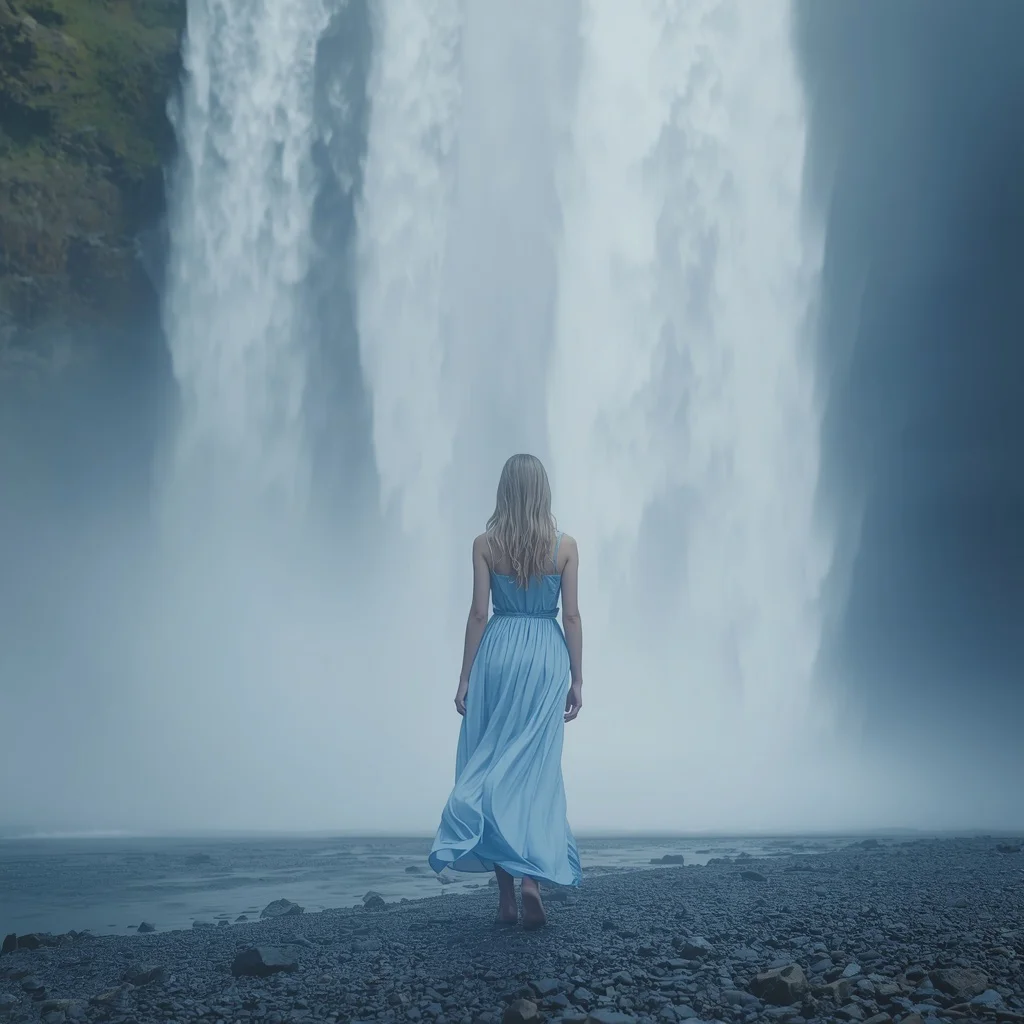
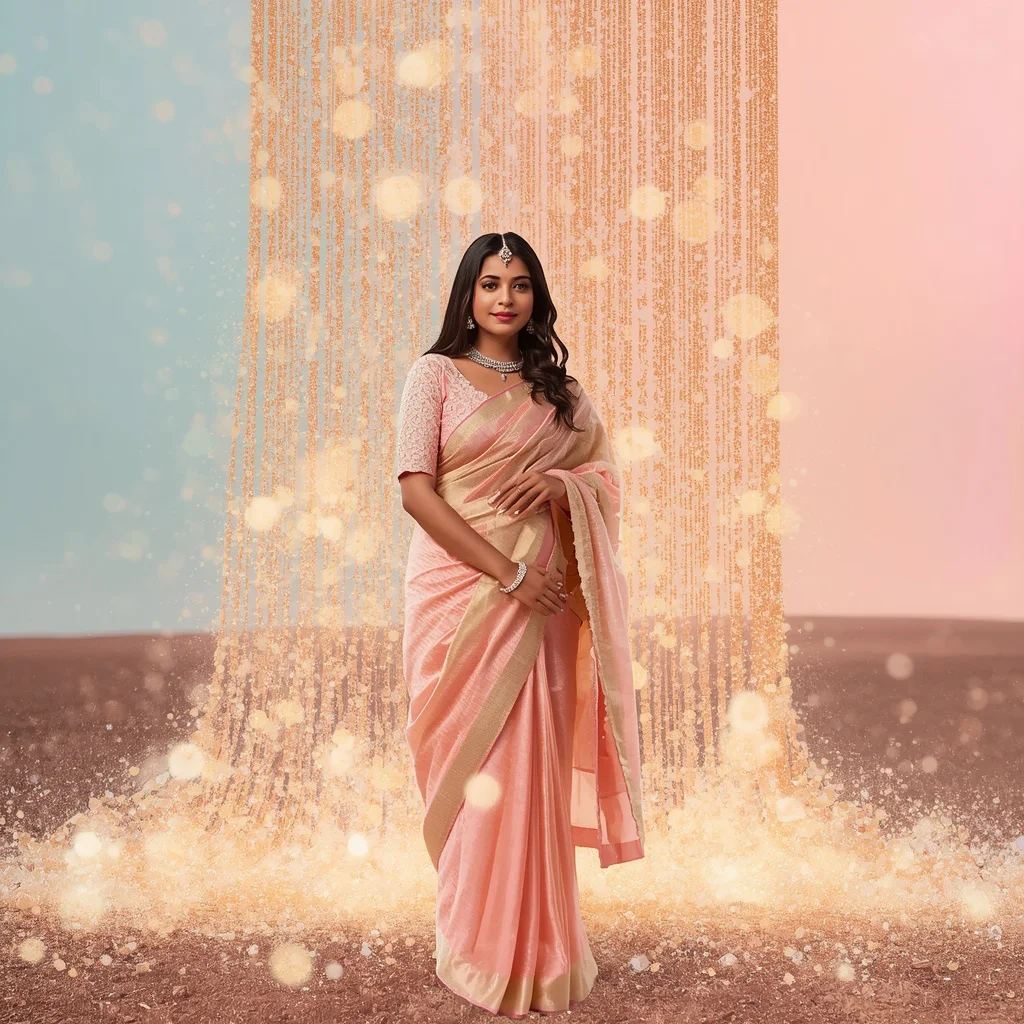
These prompts blend classic portraiture with whimsical, surreal elements, such as giant iridescent bubbles, cascading waterfalls, and weightless glowing geometric shapes. Whether you are aiming to capture the serene beauty of a girl in a flowing blue silk dress or the luxurious texture of an Indian woman enveloped in a torrent of glowing pastel pearl dust, these concepts offer a perfect starting point. The level of detail achieved by modern AI models is truly astonishing.
In this comprehensive guide, we will analyze the top 10 prompts for elegant high fashion studio portraits. We will discuss the key stylistic elements, the best tools for the job, and how to optimize your workflow to produce breathtaking, photorealistic results. Get ready to elevate your digital art portfolio to a professional standard and impress your audience with unique fashion concepts.
What Are Elegant High Fashion Studio Portraits?
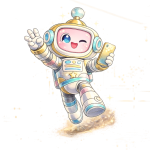
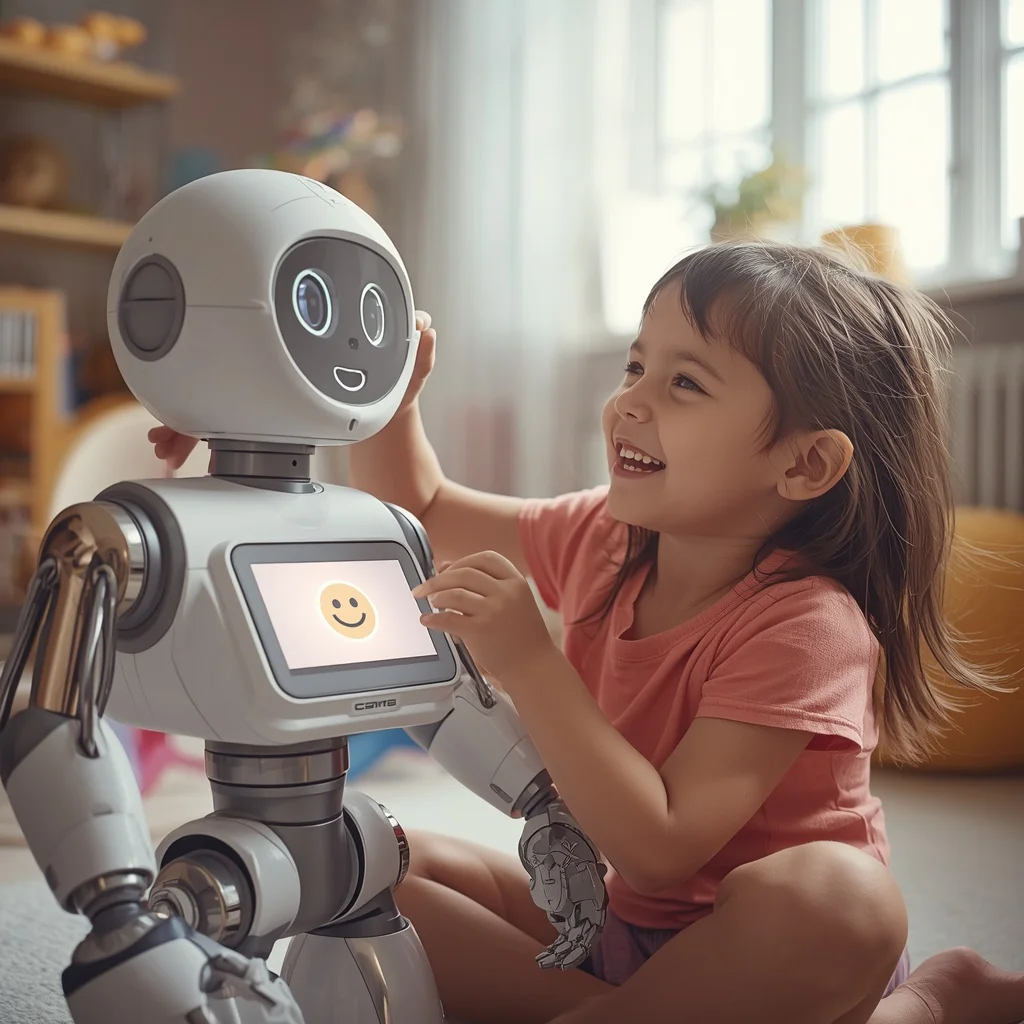
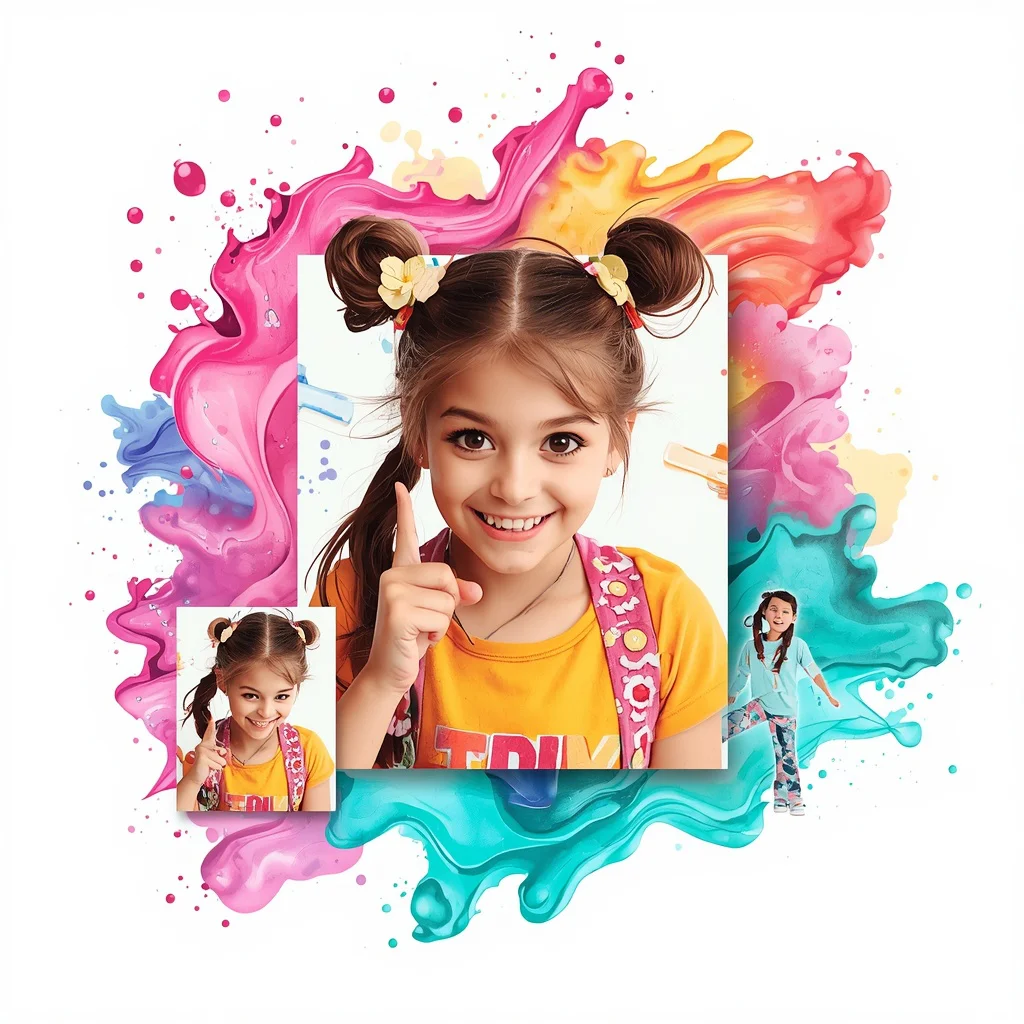
Elegant high fashion studio portraits are highly stylized, professional-grade digital images that emphasize luxury, beauty, and artistic expression. Unlike standard portraits, these compositions utilize dramatic studio lighting, high-end fashion garments, and unique, often surreal props to tell a compelling visual story. For example, a prompt might feature a beautiful girl in a flowing soft blue silk dress standing next to a cascading waterfall, or a cute young girl interacting with a friendly bipedal robot in a bright, modern playroom. These portraits often incorporate artistic overlays, such as flowing ink patterns, watercolor hues, and glowing geometric shapes, to create a multi-dimensional spatial illusion that captivates the viewer and elevates the portrait to fine art status.
Why Elegant High Fashion Studio Portraits Is Trending
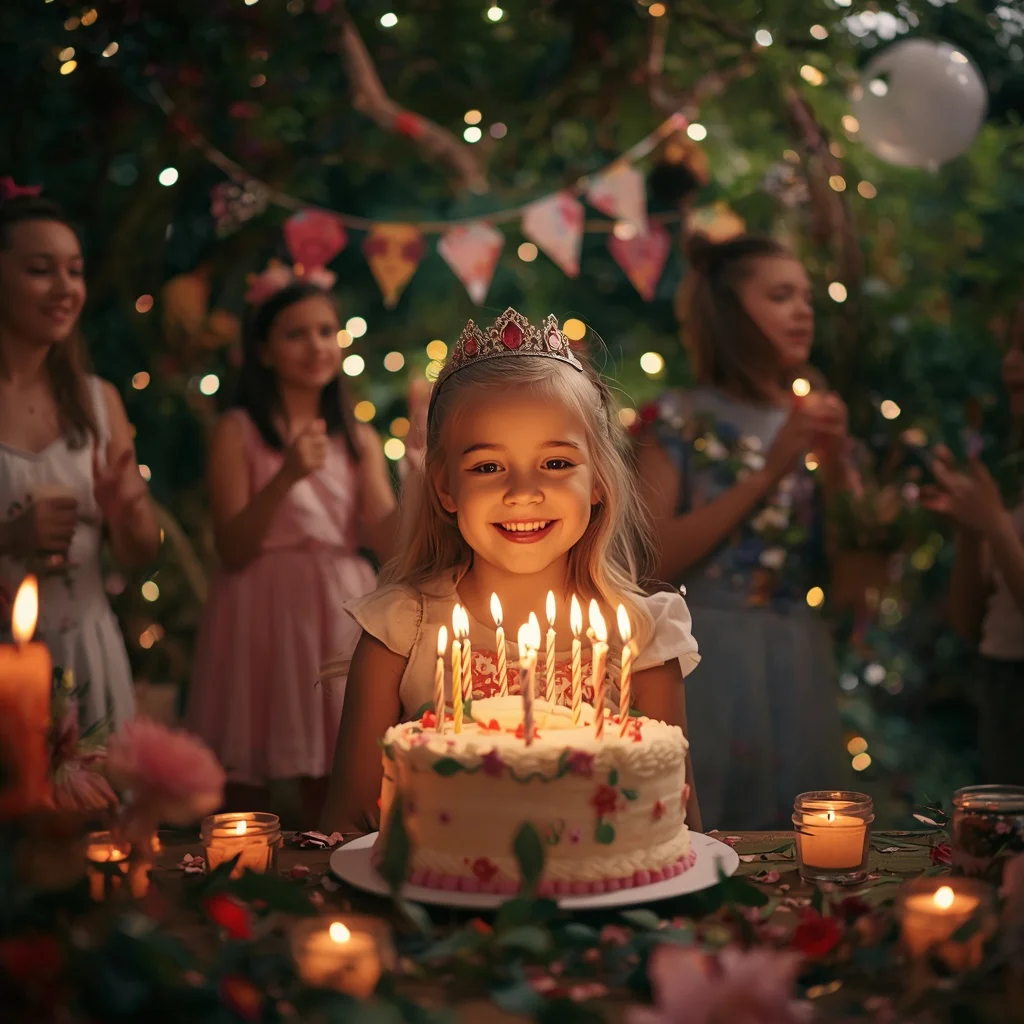
This genre of AI art is trending rapidly due to its high aesthetic value and versatility. Digital creators, fashion brands, and social media influencers are constantly searching for clean, high-impact imagery that stands out in a crowded digital landscape. The combination of hyper-realistic skin textures, luxurious fabrics like silk and lace, and magical lighting effects—such as fairy lights, candles, and glowing pearl dust—creates a mesmerizing visual experience. Moreover, these prompts allow artists to experiment with avant-garde concepts that would be incredibly difficult and expensive to produce in a real-world photography studio, making high fashion accessible to everyone with a creative spark.
Popular Styles You Can Create
Our collection of prompts allows you to explore several distinct high-fashion styles. Here are the most prominent aesthetics you can generate:
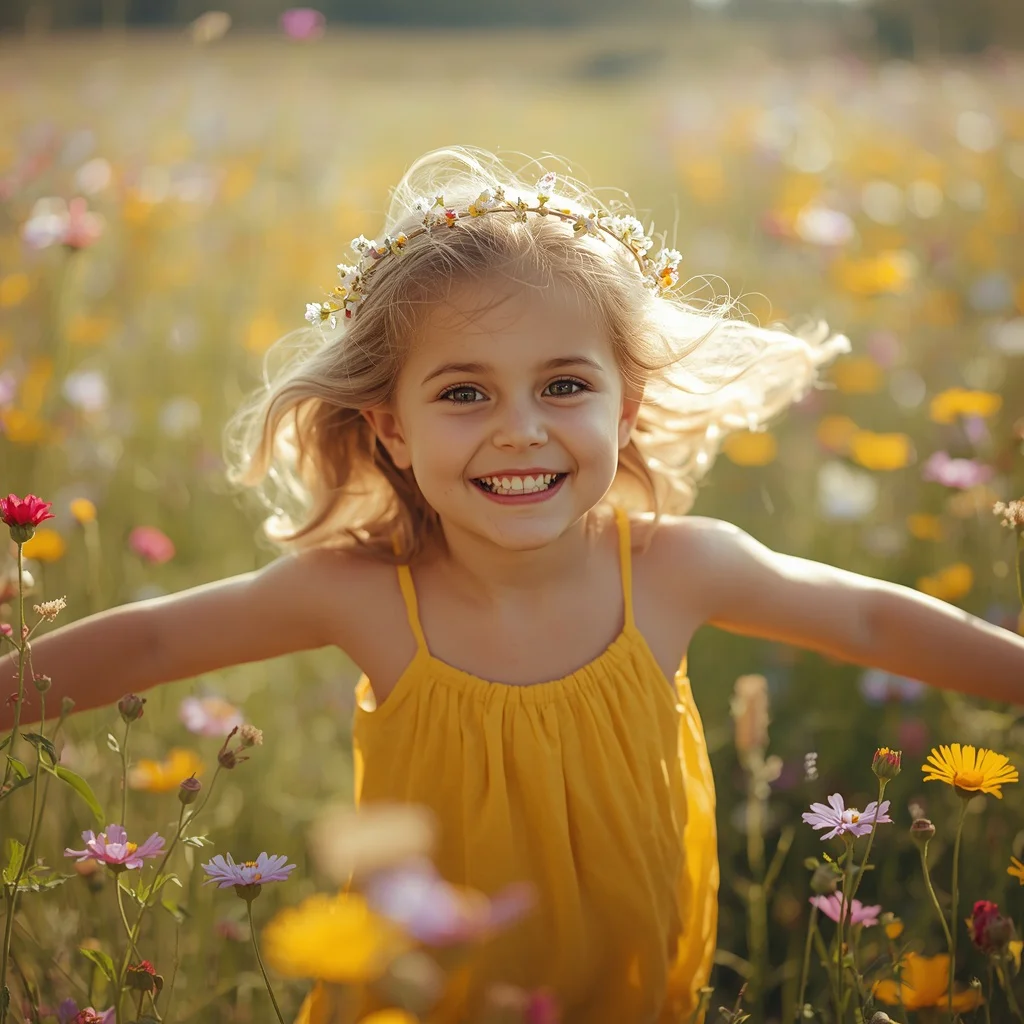
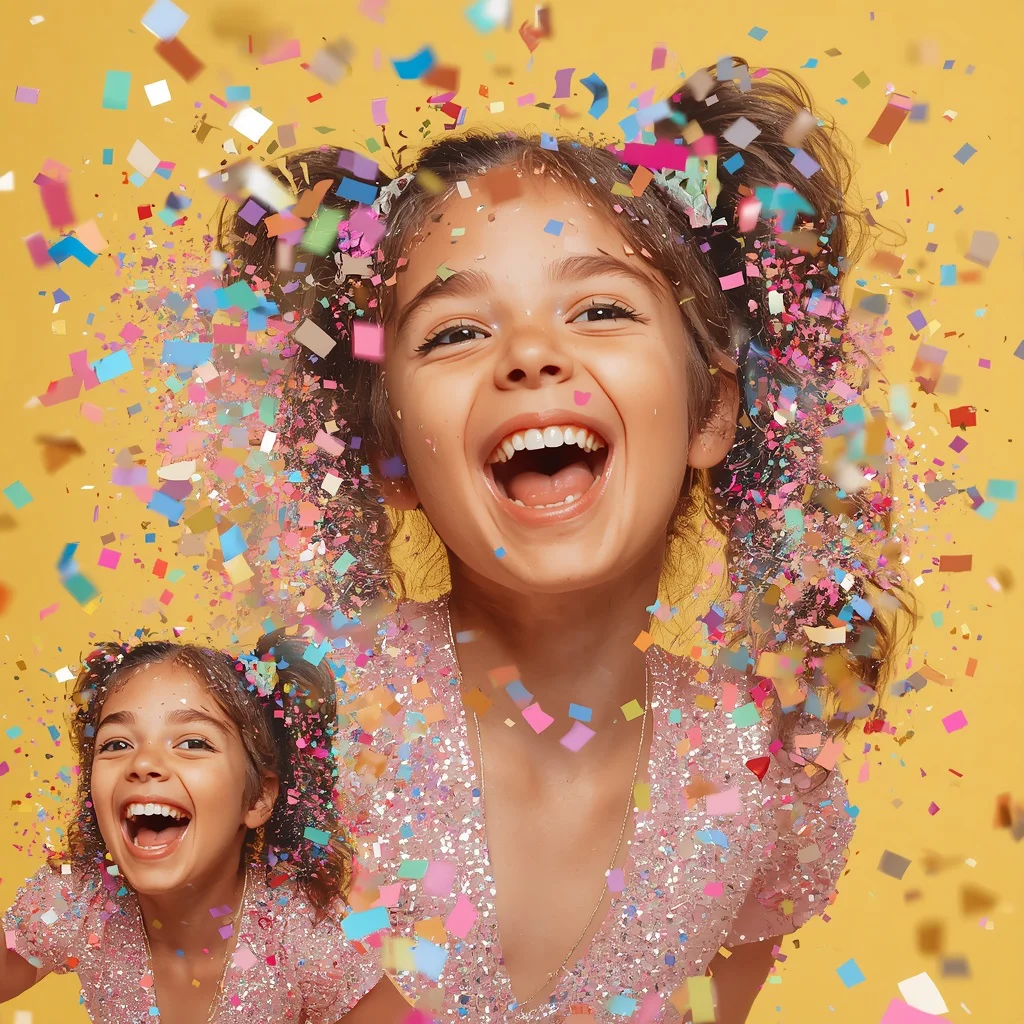
- Whimsical Studio Portraiture: Capture young girls interacting with giant iridescent bubbles, playing in fields of wildflowers with delicate crowns, or celebrating in secret gardens lit by fairy lights.
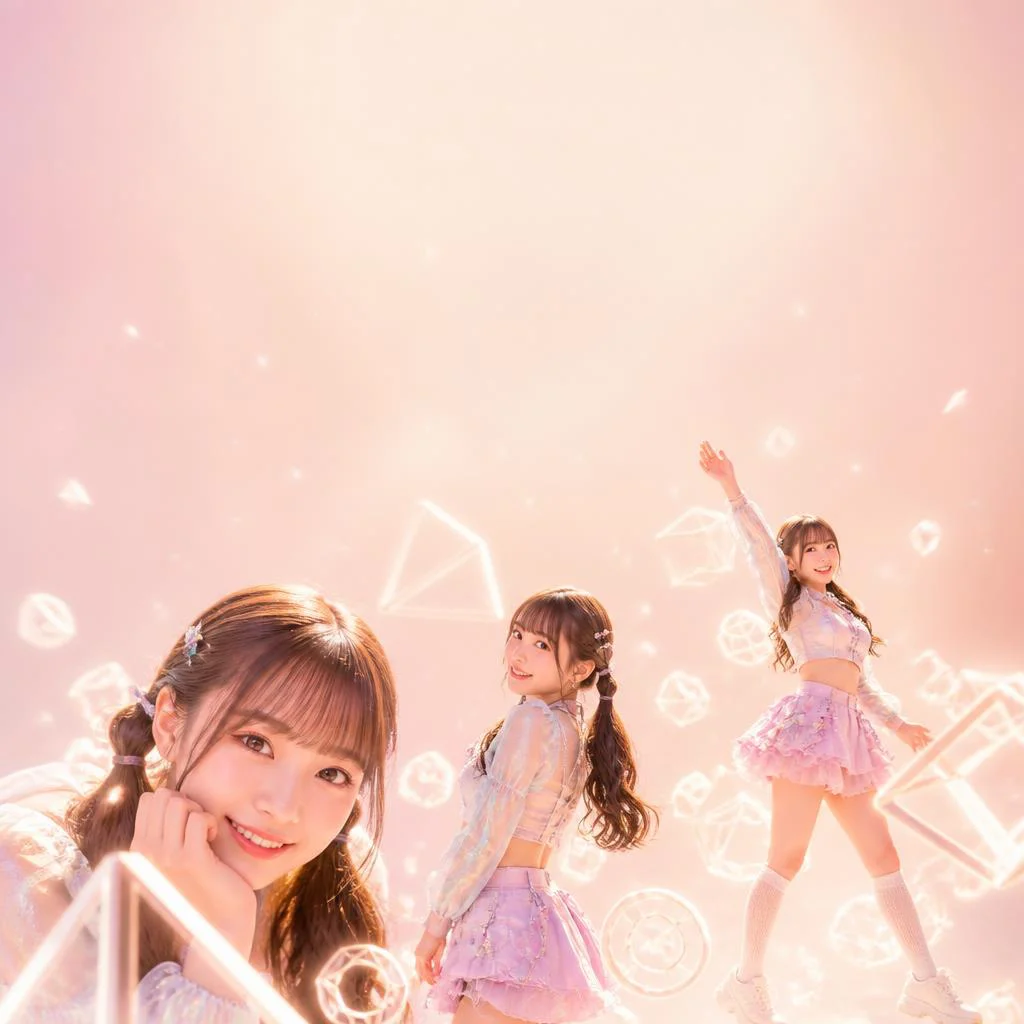
- Surreal and Abstract Art: Generate stunning collages featuring weightless glowing geometric shapes, flowing ink patterns, or vibrant watercolor hues that blend seamlessly around the subject.
- Opulent Luxury: Create breathtaking scenes of Indian women in festive pastel sarees surrounded by an endless, heavy torrent of microscopic, glowing pearl dust.
- High-Tech Editorial: Merge fashion with technology by depicting a young girl playfully interacting with a sleek, friendly robot companion in a bright, modern setting.
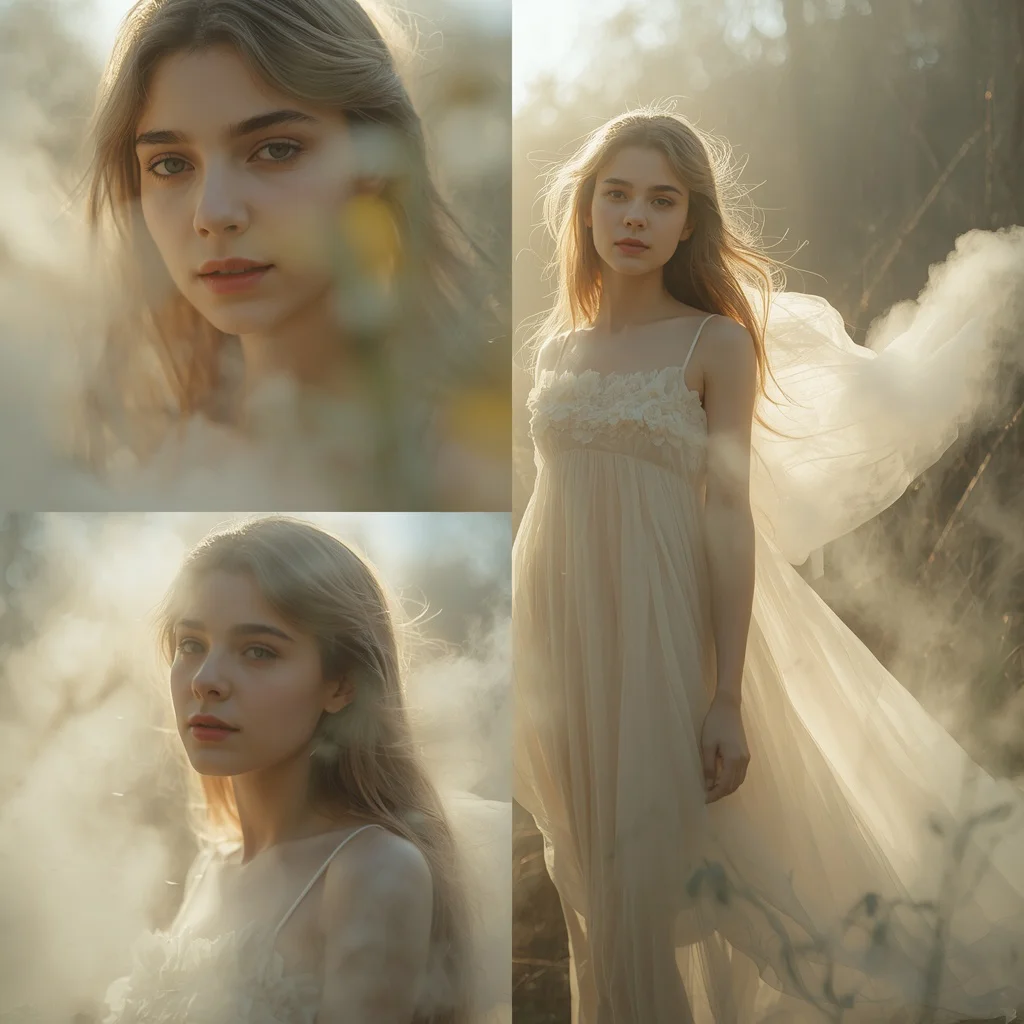
- Cinematic Naturalism: Showcase subjects in serene outdoor environments, such as a girl in a flowing silk dress by a magnificent cascading waterfall, utilizing natural, atmospheric lighting.
How to Use Elegant High Fashion Studio Portraits
Using these prompts is simple and highly rewarding. You can copy the exact prompt text from our list and paste it into your preferred AI image generator. To make the image uniquely yours, try modifying key variables such as the color of the silk dress, the type of flowers in the garden, or the specific geometric shapes floating around the subject. For instance, you can change a soft blue dress to an emerald green gown, or replace the bipedal robot with a whimsical animal companion. Maintaining the descriptive keywords related to lighting, texture, and composition will ensure that the AI maintains the high-fashion studio aesthetic.
What Kind of Base Photo Works Best?
If you plan to use these prompts for image-to-image generation or face-swapping, the quality of your base photo is critical. Choose a high-resolution portrait with clean, studio-style lighting and a neutral background. The subject should have a clear, unobstructed face with minimal makeup, allowing the AI to seamlessly apply the high-fashion textures and makeup styles. A neutral or soft, pleasant expression works best, as it can be easily adapted to the serene, joyful, or contemplative moods featured in the prompts. Avoid low-light photos or images with busy, distracting backgrounds that could confuse the AI's rendering engine.
Which AI Tools Deliver the Best Results?
To achieve the highest level of detail, realism, and texture, it is important to select the right AI image generator for your workflow. Paste these prompts into any of these platforms to start creating:
| AI Tool | Texture Rendering | Best Use Case |
|---|---|---|
| Midjourney | Exceptional | High-fashion fabric draping, complex studio lighting, and hyper-realistic skin. |
| Flux | Excellent | Anatomical accuracy, clean background elements, and precise prompt adherence. |
| ChatGPT (DALL-E 3) | Good | Creative, abstract collages with geometric shapes and watercolor patterns. |
| Gemini | Very Good | Vibrant color rendering and quick, high-contrast studio portraits. |
| Leonardo AI | Excellent | Custom fine-tuning and artistic control over surreal elements like glowing pearl dust. |
Pro Tips
Here are some expert tips to help you get the most out of your high-fashion studio prompts:
- Specify fabric textures: Use descriptive terms like "flowing silk," "delicate lace," or "shimmering sequins" to help the AI render realistic clothing textures.
- Focus on lighting keywords: Incorporate terms like "soft studio lighting," "dramatic rim lighting," "glowing fairy lights," or "natural golden hour sun rays" to create depth.
- Leverage collage layouts: Prompts that specify multiple poses (e.g., close-up, mid-shot, and full-body) help the AI generate a cohesive set of images in a single run.
- Use high-resolution modifiers: Add phrases like "8k resolution," "photorealistic," and "ultra-realistic textures" to ensure maximum clarity and detail.
- Keep it clean: Use negative prompts or descriptive terms like "clean image, no text, no watermarks" to prevent the AI from adding unwanted graphical elements.
To begin generating your high-fashion masterpieces, follow this simple 7-step process:
- Select an elegant high-fashion prompt from our curated collection.
- Open your preferred AI image generation tool, such as Midjourney, Flux, or Leonardo.
- Paste the prompt into the input field, adjusting any color or clothing details.
- Set the desired aspect ratio to match your platform (e.g., 4:5 for Instagram posts).
- Generate the initial set of images and analyze the lighting and textures.
- Select the most promising variation and run subtle variations if needed.
- Upscale the final image to 8k resolution for a crisp, professional finish.
Common Issues and Quick Fixes
Generating complex high-fashion art can sometimes result in minor rendering errors. Use this troubleshooting table to quickly resolve common issues:
| Common Issue | Root Cause | Quick Fix |
|---|---|---|
| Unnatural Fabric Folds | AI struggling with physics | Add descriptive words like 'softly draping' or 'billowing in the breeze' to guide the folds. |
| Over-saturated Colors | Imbalanced lighting prompt | Use terms like 'pastel tones', 'muted color palette', or 'soft, natural lighting' to tone down colors. |
| Distorted Geometric Shapes | Cluttered scene composition | Specify 'clean, sharp geometric shapes' and use a minimalist studio background. |
Frequently Asked Questions
How can I achieve the best silk and fabric textures in my generations?
To get highly realistic fabric textures, always specify the material in your prompt, such as 'flowing silk dress' or 'delicate pastel saree', and use high-resolution modifiers like '8k resolution' or 'ultra-realistic textures'.
Can I paste these prompts into any AI art generator?
Yes! You can copy and paste these prompts into major AI image generators including Midjourney, Flux, ChatGPT, Gemini, and Leonardo to achieve stunning high-fashion results.
How do I fix messy background elements in my studio portraits?
If the background feels too busy, simplify the prompt by adding terms like 'minimalist studio background' or use negative prompts to remove unwanted clutter and keep the focus on the subject.
Conclusion
Creating elegant high fashion studio portraits with AI is an exciting way to showcase your digital artistry and build a stunning portfolio. By using our top 10 prompts, you can easily generate images that capture the beauty, luxury, and emotion of professional studio photography. Whether you are designing for a brand, building a social media presence, or simply exploring your creativity, these prompts provide the perfect toolkit. Copy your favorite prompt today, paste it into your AI generator, and watch your high-fashion vision come to life.